
 Image 1 of 1
Your all-in-one command center to plan, track, and lead like a CEO, without juggling six separate spreadsheets.
If you have goals, content, leads, revenue, and expenses, but no simple place to see the full picture, this dashboard is for you.
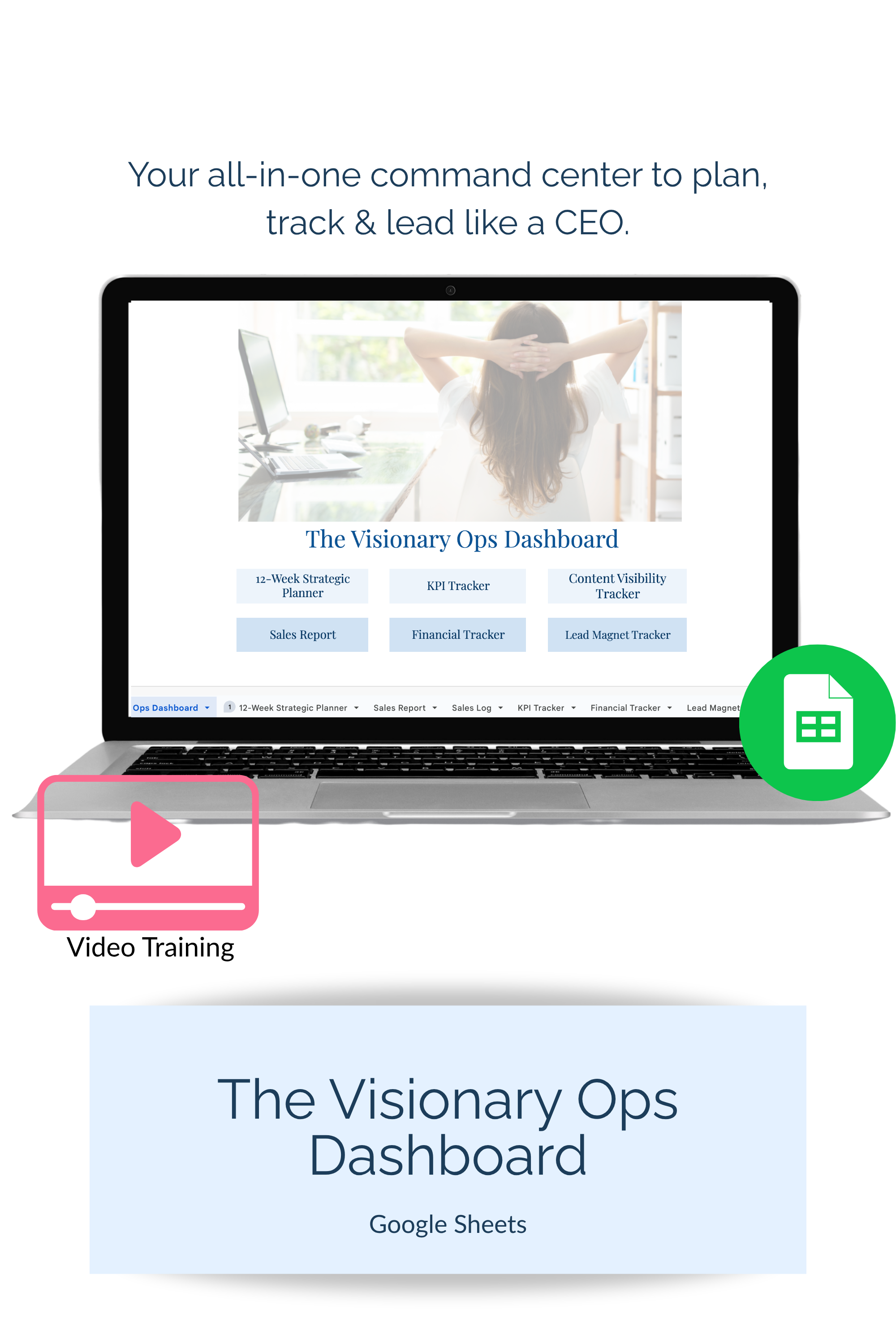
The Visionary Ops Dashboard is a ready-to-use Google Sheets system that combines 6 core business trackers into one clean dashboard so you can plan your quarter, track key metrics, stay consistent with content, and make decisions from real numbers (not vibes).
It is designed for small business owners, service providers, coaches, consultants, and online entrepreneurs who want a simple, practical system they will actually use week to week.
Get clarity fast: see your priorities, progress, and performance in one place
Follow through on goals: break your quarter into weekly action steps you can execute
Track what matters: monitor KPIs across marketing, ops, and sales without overwhelm
Stay visible consistently: keep your blog, email, and Pinterest content organized at a glance
Understand your money: log revenue, track expenses, and review profit margins with confidence
Lead like a CEO: make smarter decisions using data and a repeatable weekly rhythm
12-Week Planner (quarter goals, milestones, weekly action steps)
KPI Tracker (marketing, operations, and sales metrics in one place)
Content Visibility Tracker (blogs, emails, Pinterest visibility at a glance)
Sales Report + Log (simple revenue tracking)
Financial Tracker (income vs. expenses + profit margin review)
Lead Magnet Tracker (opt-ins, conversion rates, funnel performance)
You also get a 20-minute walkthrough training video showing you how to:
general spreadsheet customization
customize the tabs for your business
use each tracker week to week (without overcomplicating it)
Purchase and download.
Make a copy of the Google Sheet.
Watch the walkthrough video.
Use it weekly as your planning + tracking “home base.”
Do I need Google Sheets experience?
No. It’s beginner-friendly, and the walkthrough is designed to remove the learning curve.
Important details
This is included inside the VTC resource vault
This is a digital download. No physical product will be shipped.
Due to the nature of digital downloads, all sales are final.
Your all-in-one command center to plan, track, and lead like a CEO, without juggling six separate spreadsheets.
If you have goals, content, leads, revenue, and expenses, but no simple place to see the full picture, this dashboard is for you.
The Visionary Ops Dashboard is a ready-to-use Google Sheets system that combines 6 core business trackers into one clean dashboard so you can plan your quarter, track key metrics, stay consistent with content, and make decisions from real numbers (not vibes).
It is designed for small business owners, service providers, coaches, consultants, and online entrepreneurs who want a simple, practical system they will actually use week to week.
Get clarity fast: see your priorities, progress, and performance in one place
Follow through on goals: break your quarter into weekly action steps you can execute
Track what matters: monitor KPIs across marketing, ops, and sales without overwhelm
Stay visible consistently: keep your blog, email, and Pinterest content organized at a glance
Understand your money: log revenue, track expenses, and review profit margins with confidence
Lead like a CEO: make smarter decisions using data and a repeatable weekly rhythm
12-Week Planner (quarter goals, milestones, weekly action steps)
KPI Tracker (marketing, operations, and sales metrics in one place)
Content Visibility Tracker (blogs, emails, Pinterest visibility at a glance)
Sales Report + Log (simple revenue tracking)
Financial Tracker (income vs. expenses + profit margin review)
Lead Magnet Tracker (opt-ins, conversion rates, funnel performance)
You also get a 20-minute walkthrough training video showing you how to:
general spreadsheet customization
customize the tabs for your business
use each tracker week to week (without overcomplicating it)
Purchase and download.
Make a copy of the Google Sheet.
Watch the walkthrough video.
Use it weekly as your planning + tracking “home base.”
Do I need Google Sheets experience?
No. It’s beginner-friendly, and the walkthrough is designed to remove the learning curve.
Important details
This is included inside the VTC resource vault
This is a digital download. No physical product will be shipped.
Due to the nature of digital downloads, all sales are final.