 Image 1 of 3
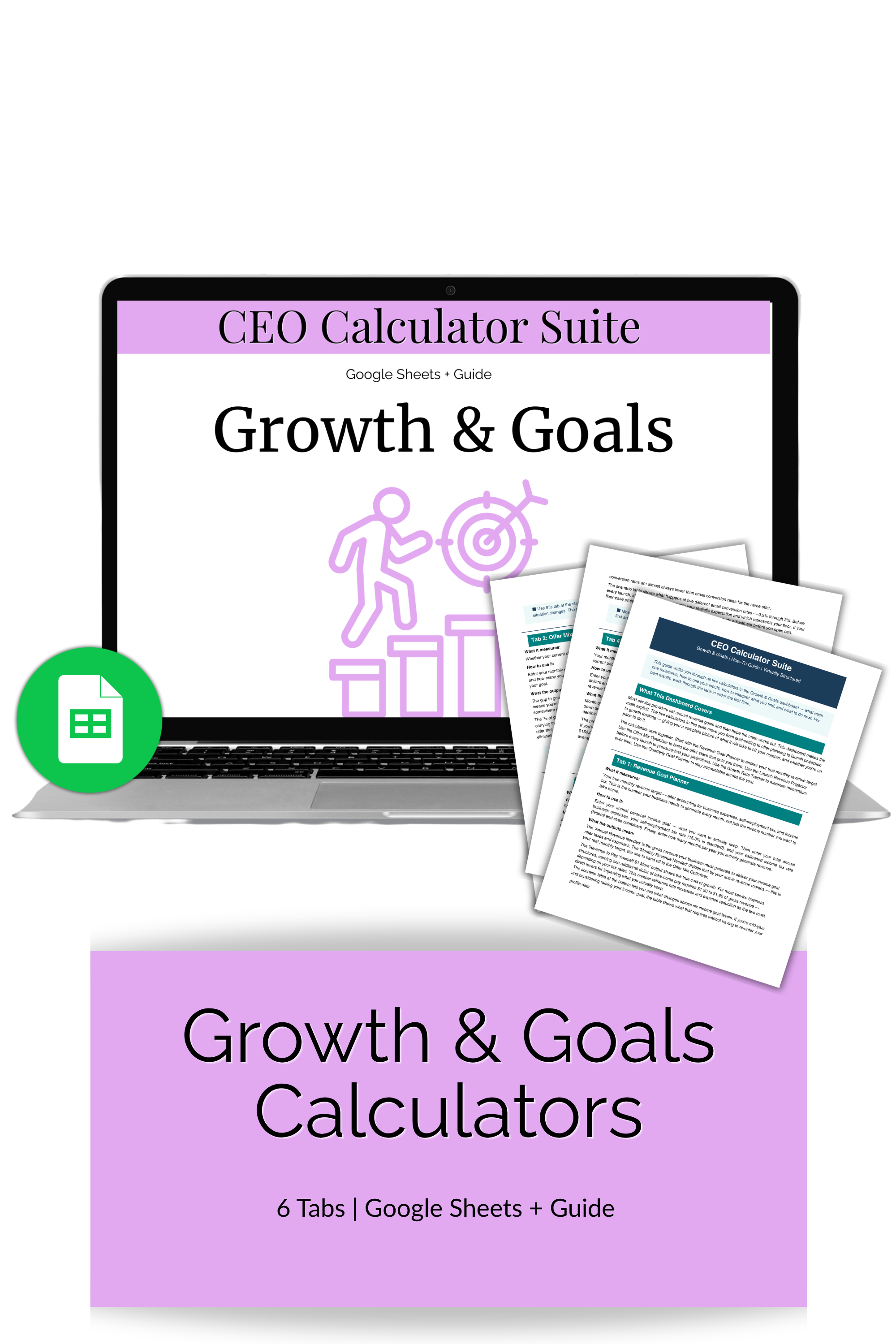 Image 2 of 3
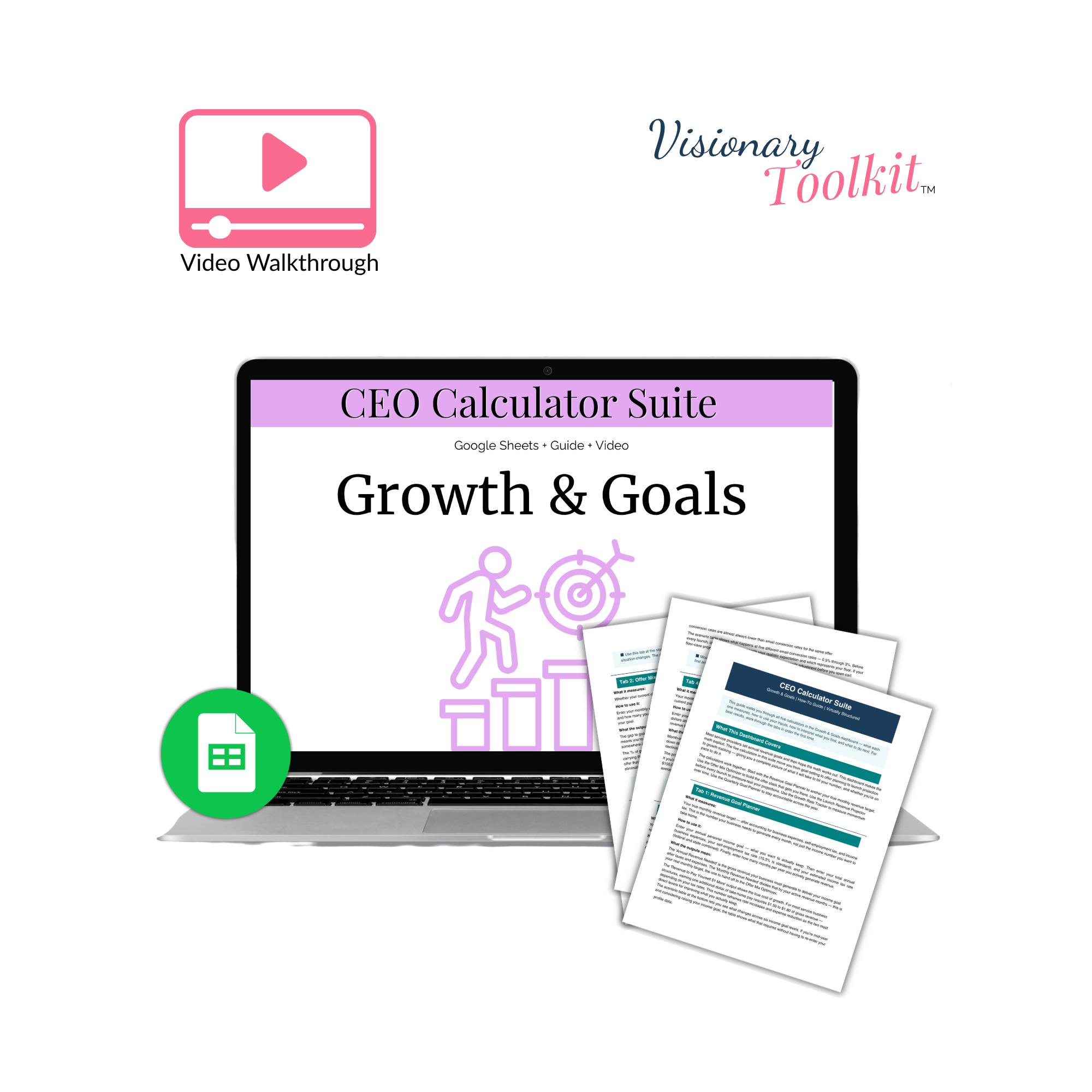 Image 3 of 3
-
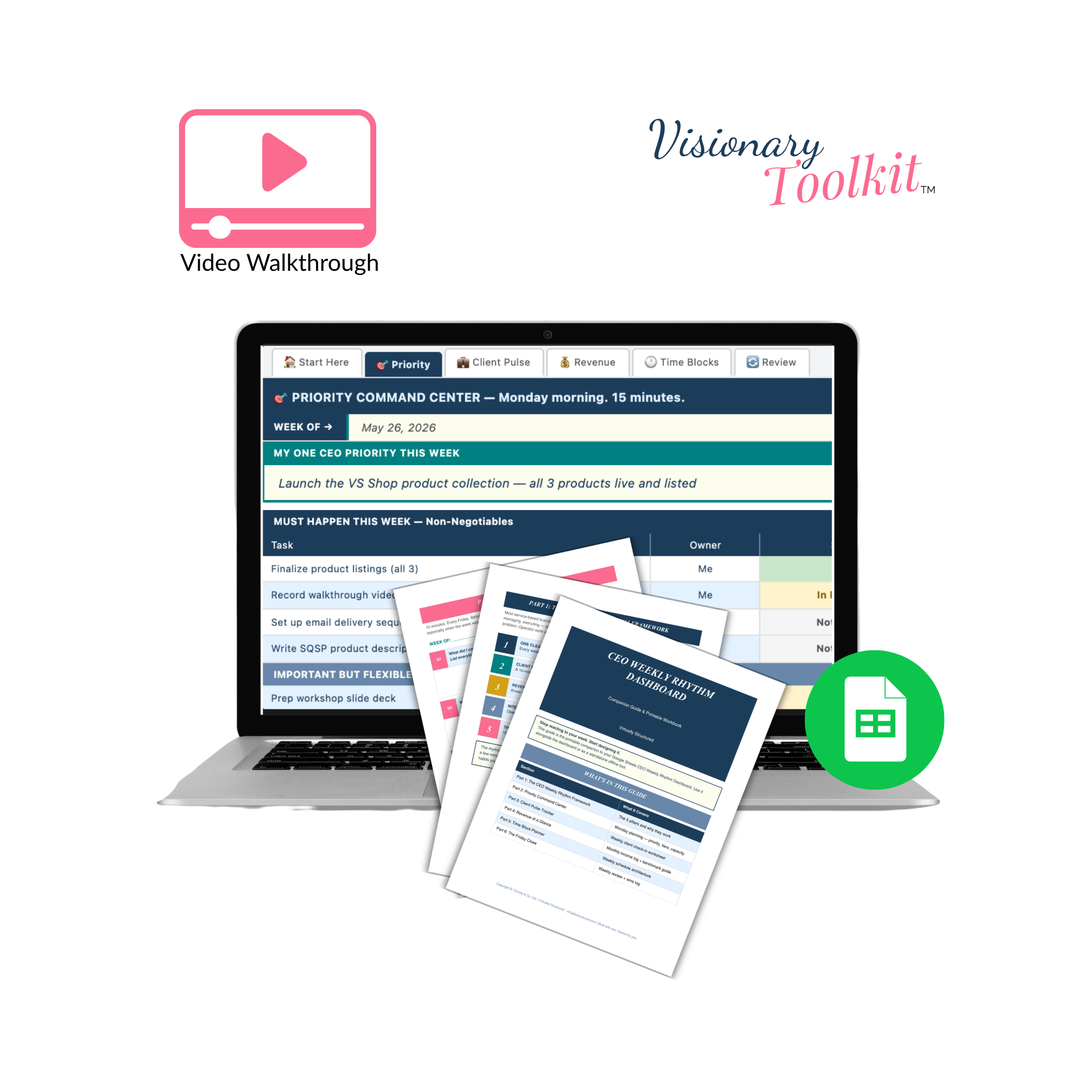
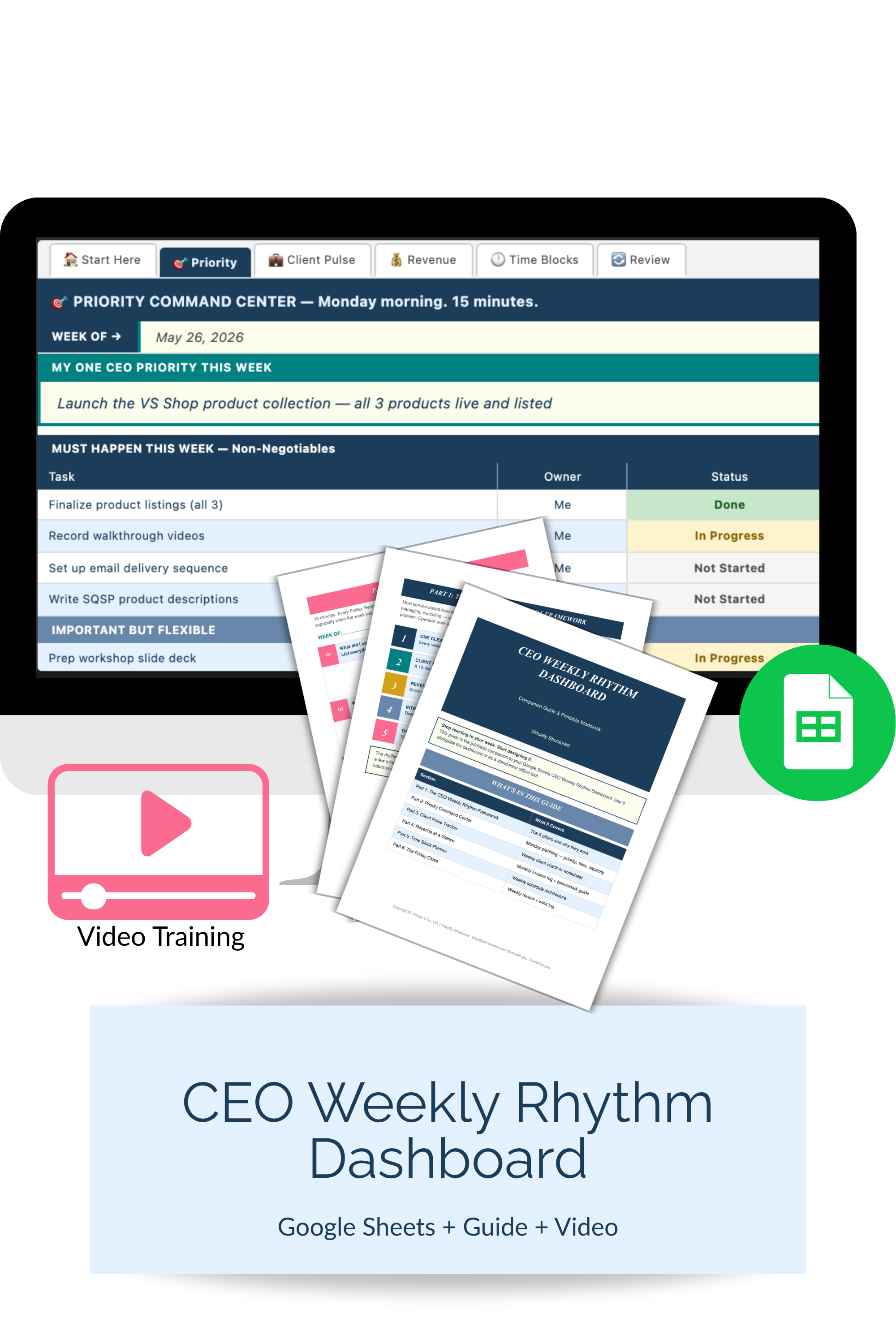
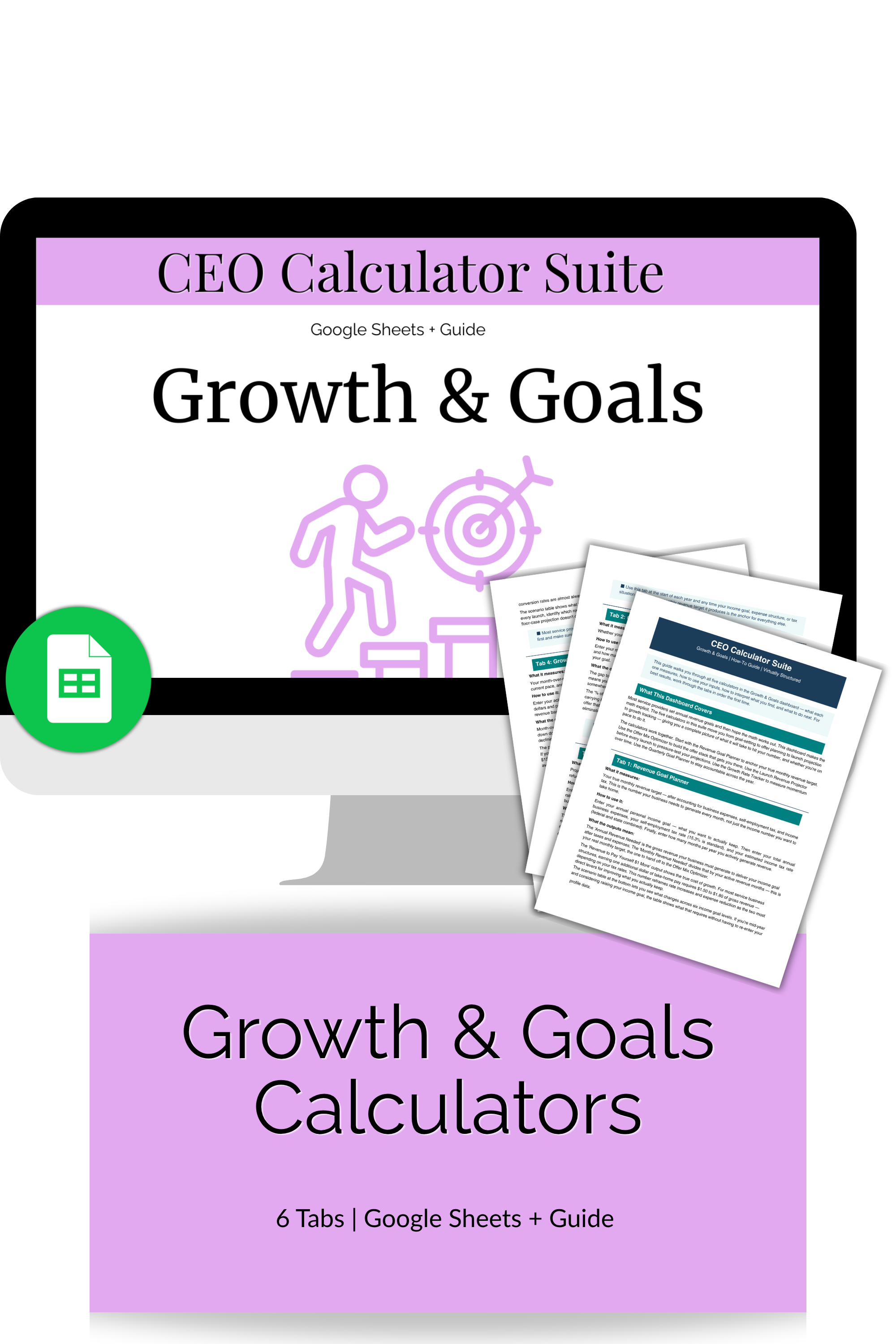
This is a six-tab Google Sheets dashboard with five calculators and a Start Here tab.
The Revenue Goal Planner does what most goal-setting advice skips: it works backwards from your annual income goal to your true monthly revenue target — after business expenses, self-employment tax, and income tax. The number you actually need to hit every month is almost always higher than the income number you want to take home. This calculator makes that math explicit. It also includes the "revenue to pay yourself $1 more" output — which tells you exactly how much additional gross revenue your business needs to generate to put one more dollar in your pocket, given your current expense ratio and tax rates. The scenario table shows your monthly revenue need at six different income goal levels, so you can see what each one actually requires before you commit to it.
The Offer Mix Optimizer answers the question that comes directly after: can your current offers actually deliver your monthly revenue target? Enter each offer with its price and projected monthly sales volume, and the calculator shows you total projected revenue, the gap to your goal, and the percentage of your goal each offer covers. If the mix doesn't get you there, the gap tells you exactly how much more you need — making the decision between selling more, raising prices, or adding an offer concrete instead of abstract.
The Launch Revenue Projector is the tool to run before every single launch. Enter your email list size, social audience, conversion rates, offer price, and refund estimate. The calculator gives you projected buyers, gross launch revenue, and net revenue after refunds. The conversion scenario table shows what happens at five different email conversion rates — from 0.5% to 3% — so you can identify your realistic case and your floor case before you open cart. Most service providers set launch revenue goals without running these numbers first. This tab changes that.
The Growth Rate Tracker is your monthly habit tab. Enter your actual revenue each month and the calculator gives you month-over-month growth in dollars and percentage, your YTD total, your average monthly revenue, and your projected annual revenue at your current pace. The summary section shows your gap to the annual goal and the monthly revenue needed to close it — which you can take straight back to the Offer Mix Optimizer.
The Quarterly Goal Planner is your accountability layer. It breaks your annual goal into quarterly milestones, tracks your actuals against targets, flags whether you're on track or behind, and tells you exactly how much revenue is left to generate for the year. At the end of each quarter, this is the tab that turns a general sense of where you are into a concrete number for what the rest of the year needs to deliver.
The PDF companion guide covers every calculator — when to use it, what to look for, benchmark context, and what to do next.
-
- You set a revenue goal every year but it never feels connected to a real plan — and this year you want a system, not just a number
- You're making offer decisions and launch decisions based on gut feeling and you want to see the actual projected numbers first
- You track revenue but you don't track growth rate, and you want to know whether your business is becoming more efficient month over month
- You want to know, at any point in the year, exactly how far you are from your goal and what you'd need to do to close the gap
-
-
Google Sheets (digital download)
Make a copy to your Google Drive and customize and edit it anytime
-
This is a digital download. No physical product will be shipped.
Due to the nature of digital downloads, all sales are final.
Please note: These digital products are for your personal business planning use only. They are not templates meant to be copied, repackaged, or used to create your own products. Your purchase does not include resale, sharing, or redistribution rights.